Top 100 WordPress website design trends for 2024
Discover the top 100 WordPress website design trends for 2024. Stay updated with the latest in minimalist design, dark mode, AI integration, and more
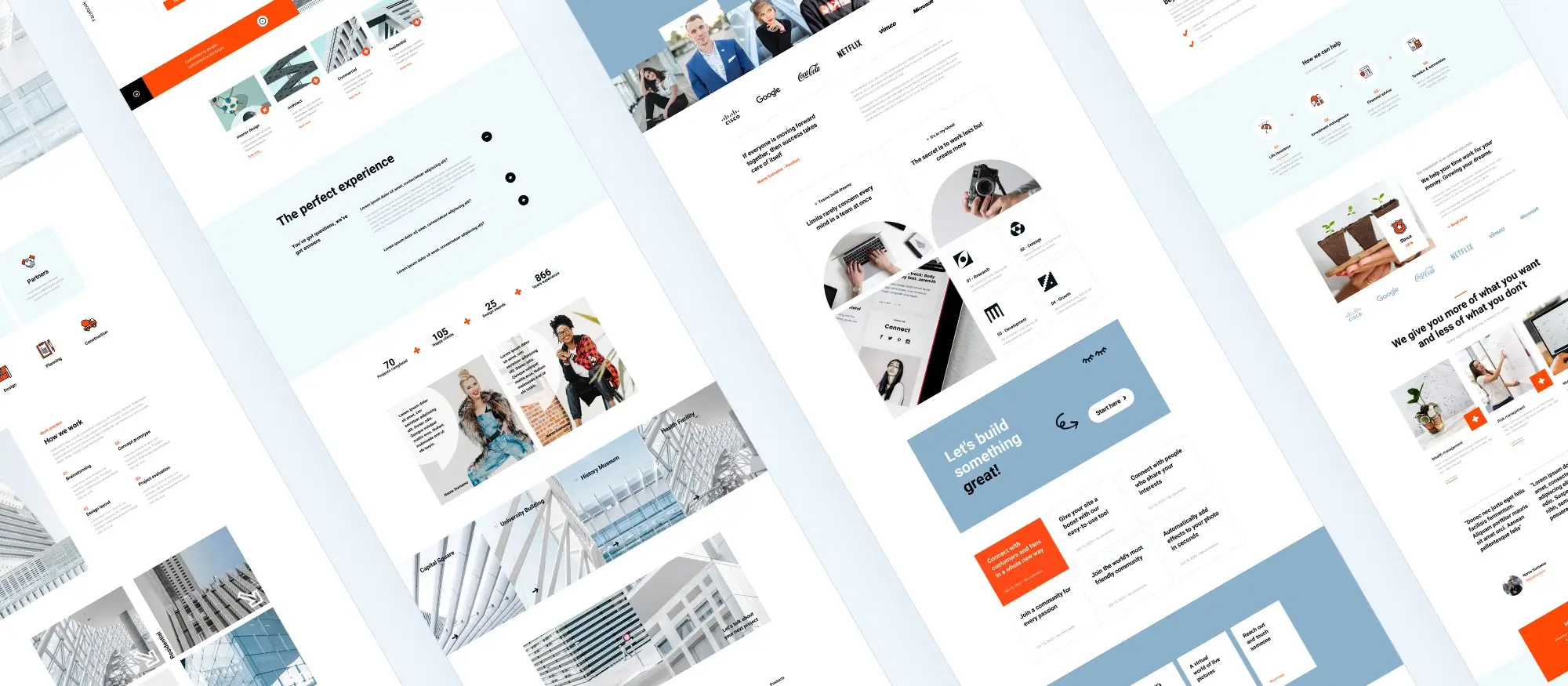
Top 100 WordPress Website Design Trends for 2024 (maxiblocks.com)
Keeping up with the latest trends in WordPress website design is crucial for improving user experience, boosting SEO, and staying competitive. Here are the top 100 WordPress website design trends for 2024 that you need to know.
Key Takeaways
Stay updated with trends to improve user experience and SEO.
Minimalist design, dark mode, and bold typography are popular.
AR, AI, and machine learning enhance functionality.
Emphasize security with measures like 2FA and SSL certificates.
Custom illustrations, vibrant colour schemes, and 3D elements are in demand.
Overview of WordPress popularity WordPress is one of the most popular platforms for creating websites, valued for its ease of use, flexibility, and power.
Importance of staying updated with trends Keeping up with WordPress design trends helps improve user experience, boost SEO, and stay competitive.
Design trends
Minimalist design: Clean, simple layouts focusing on content.
Dark mode: Modern, sleek look that’s easier on the eyes.
Bold typography: Makes statements and grabs attention.
Micro-animations: Enhances user interactions and engagement.
3D elements: Creates immersive experiences.
Glassmorphism: Frosted-glass effects for a stylish look.
Neumorphism: Soft, 3D-like appearance combining skeuomorphism and flat design.
Asymmetrical layouts: Adds interest and variety.
Voice search optimisation: Improves accessibility and user experience.
Augmented reality (AR) features: Provides interactive experiences.
Artificial intelligence integration: Personalises user experiences and automates tasks.
Machine learning applications: Analyses user behaviour for data-driven improvements.
Functionality trends
Headless WordPress: Separates back end from front end for flexibility.
Progressive web apps (PWAs): Mobile app-like experience on websites.
AI-powered chatbots: Enhances customer service and engagement.
Personalisation: Dynamic content tailored to user behaviour.
Voice user interface (VUI): More accessible and user-friendly.
Lazy loading: Improves performance by loading images as needed.
Infinite scrolling: Keeps users engaged with continuous content.
Dynamic content: Tailored to each user’s interests and behaviour.
AMP (accelerated mobile pages): Faster loading on mobile devices.
Blockchain integration: Adds security and transparency.
Visual trends
Custom illustrations: Unique, engaging visual content.
Gradient backgrounds: Adds depth and interest.
Abstract art: Modern and creative look.
Retro aesthetics: Nostalgic and unique feel.
Organic shapes: Natural, flowing design.
Colour blocking: Bold, contrasting colours.
Monochrome palettes: Clean and sophisticated.
Text overlays on images: Powerful visual impact.
Split-screen design: Highlights different sections.
Animated backgrounds: Adds dynamic elements.
User experience (UX) trends
Mobile-first design: Ensures great looks on all devices.
Accessibility: Ensures navigation for all users.
Fast load times: Better user experience.
Interactive content: Engages users with quizzes and polls.
Custom cursors: Adds unique site elements.
Storytelling: Connects with users deeply.
One-page websites: Simple navigation.
Interactive forms: Higher completion rates.
Scrollable text blocks: Presents information efficiently.
User onboarding: Improves new user experience.
SEO trends
Core web vitals optimisation: Improves performance and search rankings.
Schema markup: Helps search engines understand content.
Content hubs: Improves navigation and SEO.
Long-form content: Provides in-depth information.
Video content: Boosts engagement and SEO.
Image optimisation: Improves load times and SEO.
Local SEO: Attracts local visitors.
Voice search SEO: Reaches more users.
Structured data: Enhances SEO.
AI and machine learning: Improves content and audience understanding.
Security trends
Two-factor authentication (2FA): Enhances security.
SSL certificates: Secures data and improves SEO.
Regular backups: Ensures data recovery.
Firewall protection: Protects from attacks.
Malware scanning: Detects and removes threats.
Security audits: Identifies and fixes vulnerabilities.
User role management: Controls access permissions.
Database security: Protects sensitive data.
Password policies: Ensures strong security practices.
Content delivery network (CDN): Improves speed and security.
Featured Snippet: What are the top WordPress website design trends for 2024? The top WordPress design trends for 2024 include minimalist design, dark mode, bold typography, micro-animations, 3D elements, glassmorphism, and neumorphism. These trends focus on improving user experience, visual appeal, and functionality.
Functionality trends (continued)
Parallax scrolling: Adds depth and movement.
Hover effects: Adds interactivity.
Whitespace utilisation: Improves readability.
Interactive infographics: Engages users with complex information.
Data visualisation: Makes data accessible.
Virtual reality (VR) features: Provides immersive experiences.
Interactive maps: Engaging way to present information.
Custom 404 pages: Turns negative experience positive.
Typography animation: Draws attention to text.
Blending photography with graphics: Creates unique visuals.
Functionality trends (continued)
Multi-language support: Expands audience reach.
Advanced search features: Improves user experience.
Appointment booking systems: Essential for service-based businesses.
Event management systems: Organises and promotes events.
E-commerce enhancements: Boosts sales.
Membership sites: Creates community around content.
Learning management systems (LMS): Delivers educational content.
Advanced comment systems: Improves engagement.
Social media integration: Boosts engagement and reach.
Custom user dashboards: Enhances user experience.
Visual trends (continued)
Flat design: Simplicity and usability.
Realistic textures: Adds depth and interest.
Geometric patterns: Modern and structured look.
Vintage elements: Unique, nostalgic feel.
Duotone images: Striking visual effect.
Layered images and text: Adds depth to design.
Custom icons: Unique navigation.
Image masking: Creative blending effects.
Textured backgrounds: Adds interest.
Vibrant colour schemes: Engaging and lively.
User experience (UX) trends (continued)
Heatmaps and user analytics: Understand user interactions.
Feedback forms: Gather user insights.
Live customer support: Improves satisfaction.
Easy navigation menus: Essential for usability.
Breadcrumbs: Helps with navigation.
Interactive tutorials: Guides users effectively.
Gamification elements: Engages users.
Push notifications: Keeps users updated.
Conclusion Staying on top of these trends can help you create a modern, engaging, and user-friendly WordPress site. Keep learning and adapting to the ever-changing web design landscape for the best results.
